Your safe corner of the internet.
Beginner-friendly guides to VPNs, passwords, identity protection and everyday online safety. Written for real people and small businesses, not security experts.
Security for the age of superintelligent AI.
AI is making scams faster, cheaper and far more convincing. ShieldNook Superintelligence .si is our plain-English series on staying one step ahead: how AI-powered attacks work, how to spot them, and which AI tools genuinely help protect you.
Explore the series →Deepfake voice & video scams
A short clip of someone talking can be enough to clone their voice. How to check who’s really calling, starting with a family code word.
Read the guide →AI-written phishing
Perfect grammar is no longer a warning sign. The new red flags in emails, texts and DMs.
Read the guide →Using AI assistants safely
What happens to what you type into chatbots, and the settings that keep private things private.
Read the guide →AI that protects you
Spam filters, scam-call blocking and fraud alerts: the AI-powered defenses worth switching on.
Read the guide →Pick a starting point. We’ll walk you through the rest.
Everyday privacy
VPNs, public Wi‑Fi, and what your internet provider can actually see.
Passwords & accounts
Password managers, two-factor login and passkeys, explained step by step.
Identity protection
What to do after a data breach, credit freezes, and when paid monitoring is worth it.
Personal data removal
Get your name, address and phone number off people-search sites.
Device security
Antivirus, updates, backups and your home router, without the tech headache.
Small business security
Simple checklists and tools to protect a team of 1 to 50 people.
Five guides that cover what most people need.
Do I really need a VPN? A straight answer.
When a VPN genuinely helps, when it doesn’t, and what to look for if you decide to get one.
Read the guide →Best password managers for beginners
Free and paid options compared, plus how to switch in one evening.
IdentityHow to protect yourself after a data breach
A calm plan for the first 24 hours and the weeks after.
Everyday privacyIs public Wi‑Fi safe? What actually happens
Cafés, airports and hotels: the real risks and three simple habits.
Hands-on reviewProton VPN review: using it every day
Speed, ease of use and privacy, tested on our own devices.
Mira and Leo walk you through every guide.
Mira
Scam texts, phishing, identity theft and keeping your family safe online.
Leo
VPNs, travel, passwords, crypto wallets and the tech behind the padlock.
Mira and Leo are AI-generated hosts with AI voices. Their scripts come from the research in each guide, and every guide lists its sources.
Short videos. Zero jargon. Follow along on your phone.
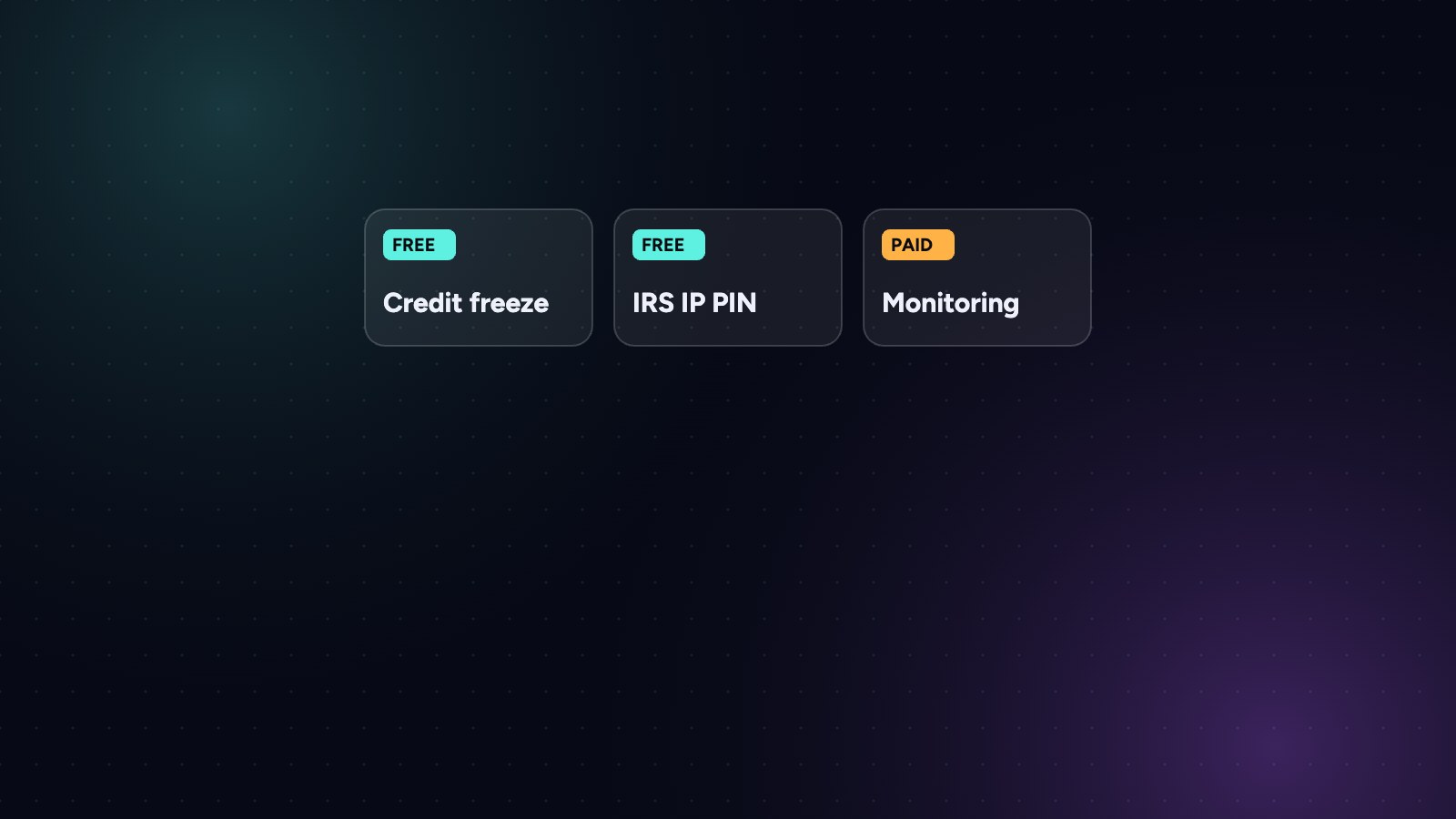
Is identity theft protection worth paying for?
Tap to play · turn your sound on

Recommendations you can actually trust.
Some links on ShieldNook are affiliate links. If you buy through them, we may earn a commission at no extra cost to you. It never changes what we recommend, and we’ll always tell you when a free option is good enough.
Read our full disclosure →- We use it before we recommend itEvery tool is installed and used on our own devices.
- Free options come firstIf a free setting or tool does the job, we say so.
- Updated regularlyReviews are re-checked at least once a year, with the date shown.
- Safety within the lawWe write about protecting yourself, never about bypassing rules.
The 10-Minute Security Checkup
A one-page checklist to find and fix the biggest gaps in your online safety. No technical skills needed.